
The LUX-Dx™ Insertable Cardiac Monitor (ICM) Systems* include two user-friendly mobile apps and dedicated device support designed to empower patients and ensure ongoing compliance.
myLUX™ Patient App
The myLUX Patient App serves as the primary data connection point between the patient's ICM and the LATITUDE Clarity™ Data Management System. It's optimized with simple language and user-friendly features, empowering patients to play an active role in their monitoring as they monitor connection status and record symptoms. Now with the LUX-Dx II+ ICM System, patients have the choice of downloading the myLUX Patient App† directly to their smartphones or receiving a Boston Scientific provided mobile device for monitoring.
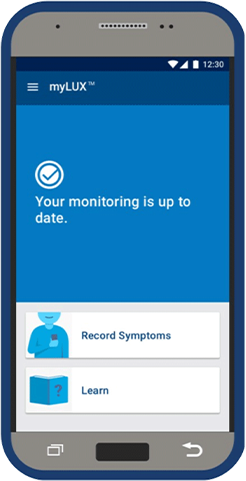
myLUX Patient App features
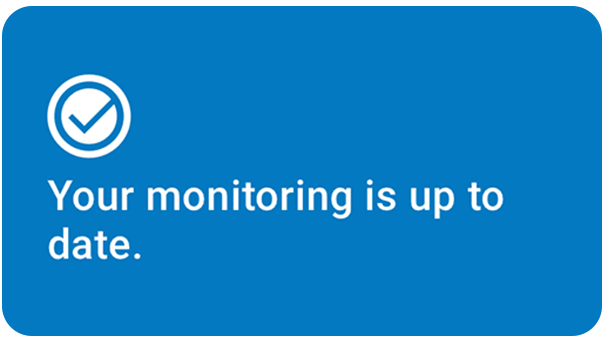
Supports compliance by confirming real-time connection status and providing step-by-step reconnection instructions when needed.
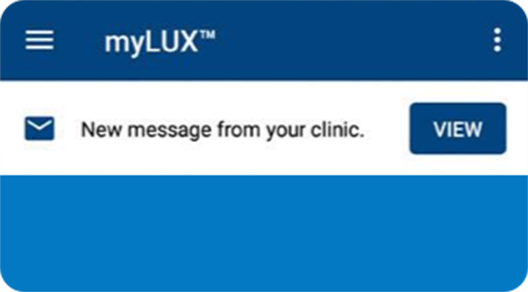
Allows one-way communication from the LATITUDE Clarity System to a patient's myLUX Patient App, confirming that the clinic has received and reviewed the patient's data.
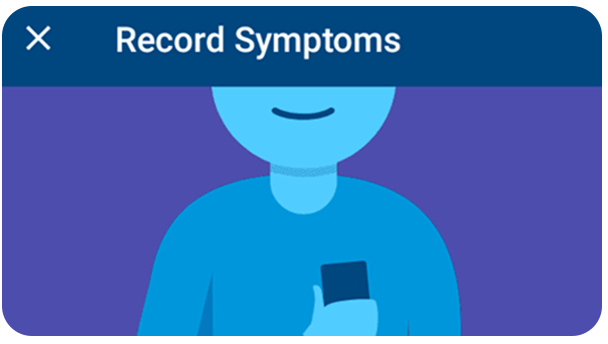
Lets care teams control tracking and alerts based on their workflow and patients' needs — including recording frequency, alert settings and more.
Answers common questions about using the myLUX Patient App, how the LUX-Dx ICM Systems work and reasons for cardiac monitoring.
Clinic Assistant App
The Clinic Assistant App provides care teams with a convenient method of connecting to, interrogating and applying programming settings for any LUX-Dx ICM from a single mobile device. With an intuitive interface and easy connectivity, the Clinic Assistant App provides flexibility across workflows.
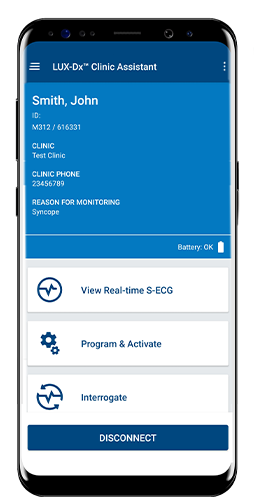
Clinic Assistant App features
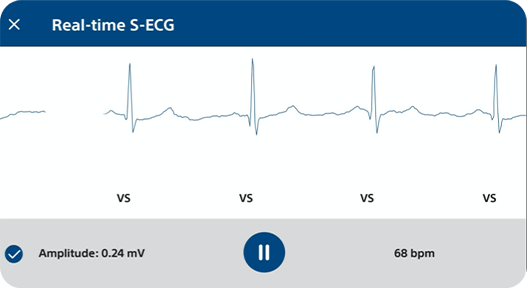
Displays real-time S-ECGs for a connected device from the moment of insertion, building greater confidence in device placement and event reviews.
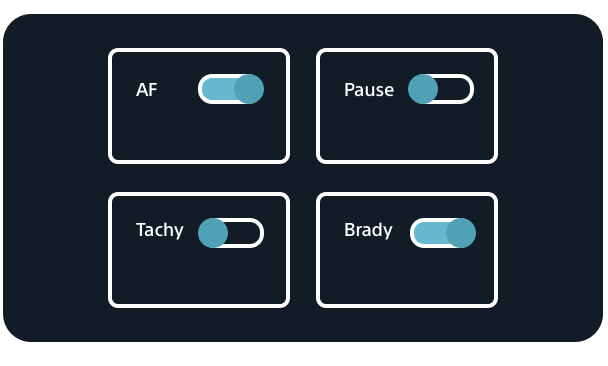
Commit all detection parameter changes made via the LATITUDE Clarity Data Management System to any connected LUX-Dx ICM device.
RhythmCARE™ Assist
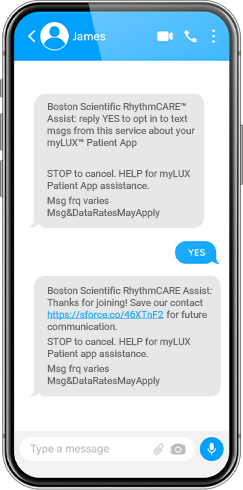
RhythmCARE Assist is a free and automated service that communicates directly with LUX-Dx ICM patients via email and/or text message to help set up the myLUX Patient App and resolve technical troubleshooting issues. The messages provide written and video educational content to guide the patient through reconnecting.

Patient welcome

Setup tutorials

Reconnection assistance